
kevin@mitobcable.com
0086-18823374992
Troubleshooting method of J1939 to J1708 cable
When the J1939 to J1708 cable malfunctions, it is necessary to promptly troubleshoot to restore its normal function.
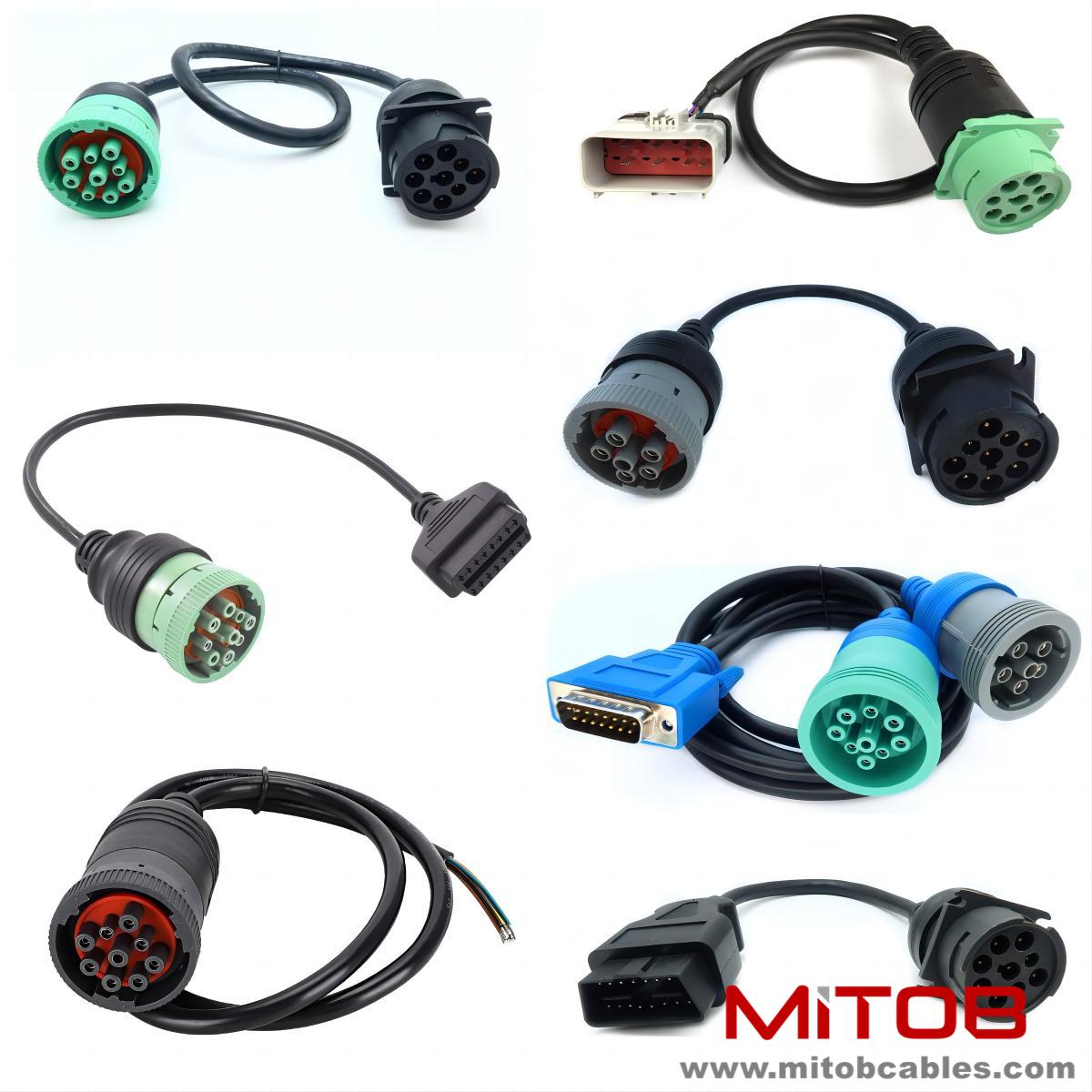
Common fault phenomena include communication interruptions, data transmission errors, etc. Firstly, check if the cable connection is secure. Loose connectors or poor contact are common causes of communication failures. You can re plug and unplug the connector to ensure a tight connection.
Secondly, check if there is any physical damage to the cable. Such as cable sheath damage, internal wire breakage, etc. If damage is found on the cable, it should be replaced promptly.
Furthermore, use testing tools to conduct electrical performance tests on the cables. It can measure parameters such as cable resistance and insulation resistance to determine whether the cable has short circuits, open circuits, or poor insulation. If the electrical performance does not meet the requirements, it indicates that the cable has a fault and needs to be repaired or replaced.
In addition, it is necessary to check whether the settings on the device end are correct. Some devices may require settings for communication protocols, baud rates, and other parameters. Improper settings can also lead to communication failures. Ensure that the device settings match the protocols and parameters supported by the cable.
If none of the above methods can solve the problem, it may be due to quality issues with the cable itself or other hidden faults. At this point, it is recommended to contact the cable supplier or professional maintenance personnel for further testing and repair.
Contact: Kevin
Phone: 0086-18823374992
E-mail: kevin@mitobcable.com
Whatsapp:
Add: Bld B2, Floor7 , Xinghe Zhongkai AI Industrial Park, Zhongkai High-tech Zone, Huizhou,China