
kevin@mitobcable.com
0086-18823374992
Installation and Debugging Guide for J1939 to J1708 Cable
Correctly installing and debugging the J1939 to J1708 cable is a key step in ensuring the normal operation of heavy-duty vehicle communication systems.
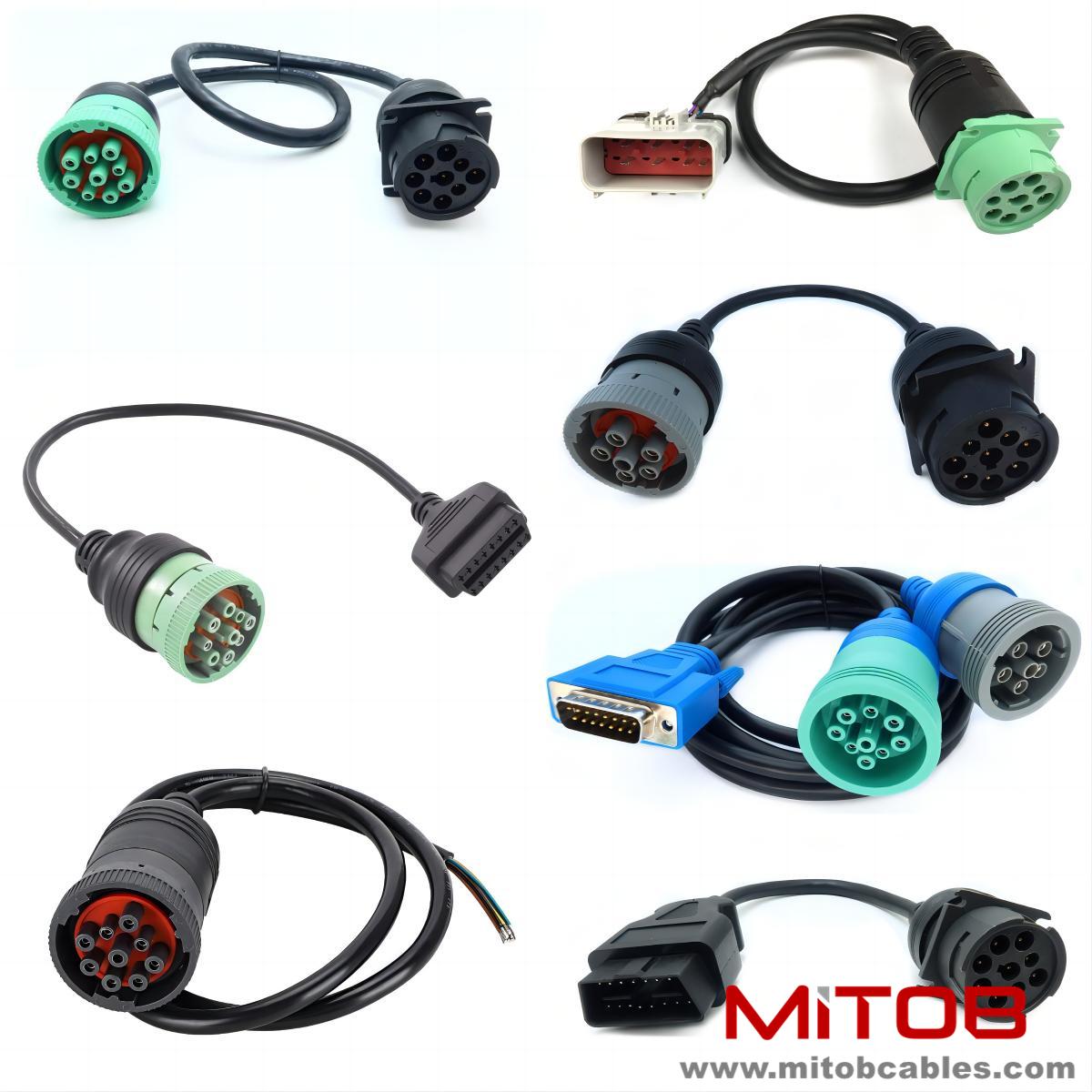
Preparation work should be done before installation. Check the appearance of the cable to ensure that there are no defects such as damage or scratches. Check if the cable model and specifications match the vehicle requirements. Prepare installation tools such as screwdrivers, wrenches, etc. At the same time, it is necessary to be familiar with the layout of the vehicle's electrical system and determine the cable installation path.
When installing, first connect the interface on the vehicle end. Insert the cable connector accurately according to the vehicle interface type to ensure a secure connection. Pay attention to the connection direction and avoid reverse insertion. After the connection is completed, fix the connector with screws to prevent loosening. Then connect the device interface, ensuring that the connection is correct and secure.
During installation, pay attention to cable routing. Avoid contact between cables and sharp objects to prevent scratching the insulation layer. Cables should be kept away from high temperature sources, such as engine exhaust pipes, to avoid damage from high temperatures. The wiring should be neat, avoiding cross wrapping and facilitating later maintenance.
After installation, proceed with debugging work. First, conduct a visual inspection to check if the cable connections are loose or damaged. Then use professional testing equipment such as multimeters, oscilloscopes, etc. to test the electrical performance of the cable. Check if the insulation resistance meets the requirements and test if the signal transmission is normal.
Actual communication testing is also required. Start the vehicle, let the relevant systems run, send and receive data through the device, and observe whether the data is accurate. If a problem is found, it is necessary to promptly investigate the cause, which may be connection issues, cable faults, or improper equipment settings, and handle it according to the specific situation.
Contact: Kevin
Phone: 0086-18823374992
E-mail: kevin@mitobcable.com
Whatsapp:
Add: Bld B2, Floor7 , Xinghe Zhongkai AI Industrial Park, Zhongkai High-tech Zone, Huizhou,China