
kevin@mitobcable.com
0086-18823374992
J1939 to OBD2 Cable Installation Guide: Even Novices Can Get Started Easily
The installation of the J1939 to OBD2 cable may seem simple, but non-standard operation may lead to signal loss, equipment damage, and even affect the normal operation of the vehicle. In fact, as long as you follow the three-step method of "confirming the interface, standardizing the connection, and checking and testing", even a novice can easily complete the installation without requiring professional maintenance experience.
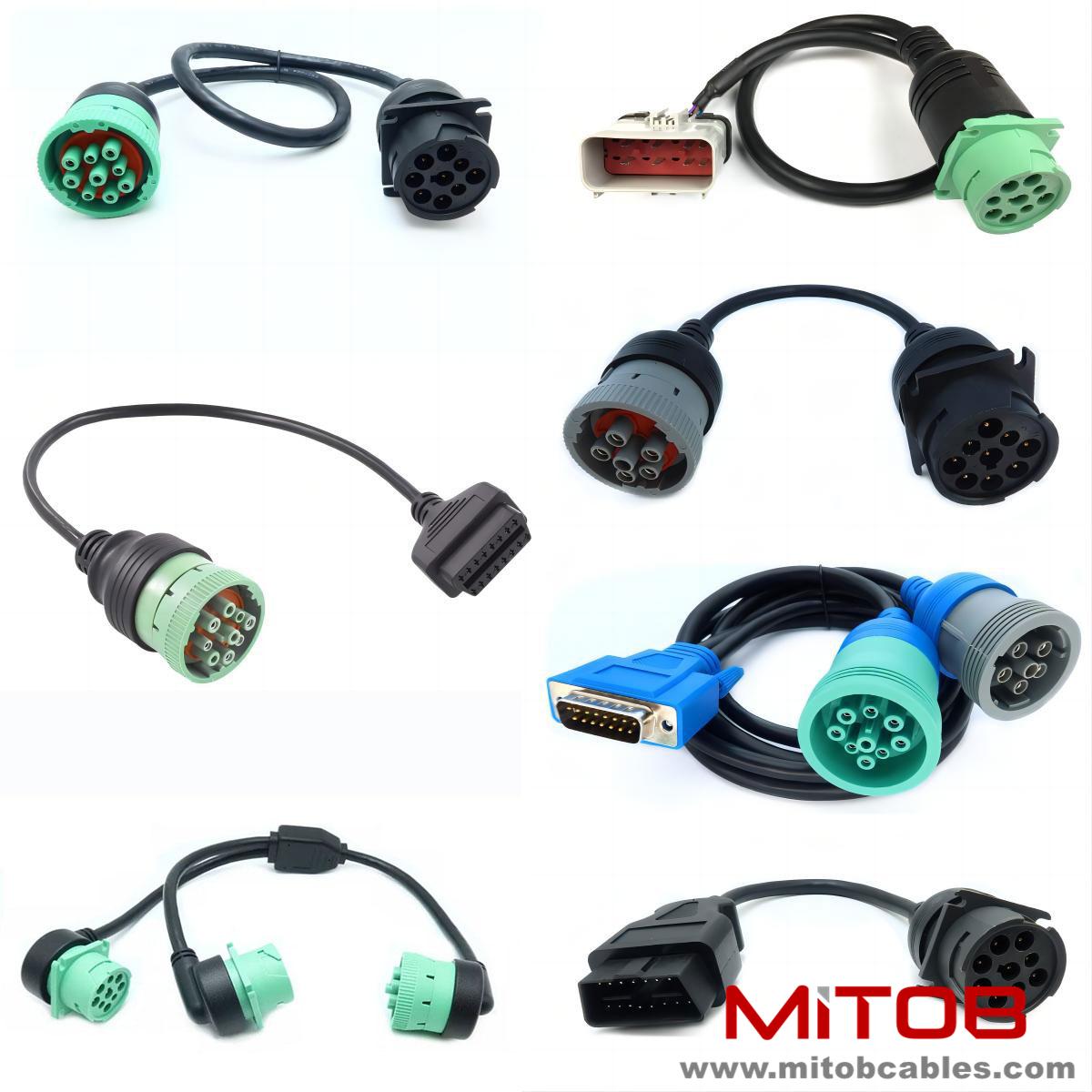
Step 1: Confirm the interface location and type. First, turn off the vehicle engine and cut off the power to avoid damaging electronic devices due to live operation. The J1939 interface is mostly located under the cockpit, engine compartment, or side of the frame of heavy-duty vehicles, and it is a 9-pin Deutsch connector, commonly seen in green or black; the OBD2 interface is usually located under the steering wheel in the cockpit and is a 16-pin standard interface. Before installation, ensure that the cable interface fully matches the vehicle and diagnostic equipment to avoid connection failure due to incompatible interfaces.
Step 2: Standardize the connecting cables. Align the J1939 end of the cable with the vehicle's J1939 interface, gently insert and tighten it securely (some interfaces have buckles, which need to be confirmed as fastened). Then, insert the OBD2 end of the cable into the diagnostic tool, GPS, or ELD device interface, ensuring a firm connection without any looseness. Be careful not to pull the cables too hard to avoid wire breakage or interface damage. The cable layout should avoid high-temperature areas of the engine and moving parts to prevent wear.
Step 3: Check and Test. After the connection is completed, start the vehicle engine, turn on the diagnostic equipment, and check whether the vehicle data (such as engine speed, fault codes, etc.) can be read normally. If there are issues such as inability to read data or unstable signals, it is necessary to check whether the interface connection is secure, whether the cables are damaged, or try replugging the cables. After installation, organize the cables, secure the interfaces, and avoid loose connections caused by vibration during driving.
Contact: Kevin
Phone: 0086-18823374992
E-mail: kevin@mitobcable.com
Whatsapp:
Add: Bld B2, Floor7 , Xinghe Zhongkai AI Industrial Park, Zhongkai High-tech Zone, Huizhou,China